In the world of cybersecurity, a “secret” is like a digital key. These secrets include your passwords, API keys, and private tokens.
If you accidentally leave a secret in your code and upload it to GitHub, a hacker can find it in seconds. This is called a leak. Once a hacker has your key, they can steal your data or run up a huge bill on your account.
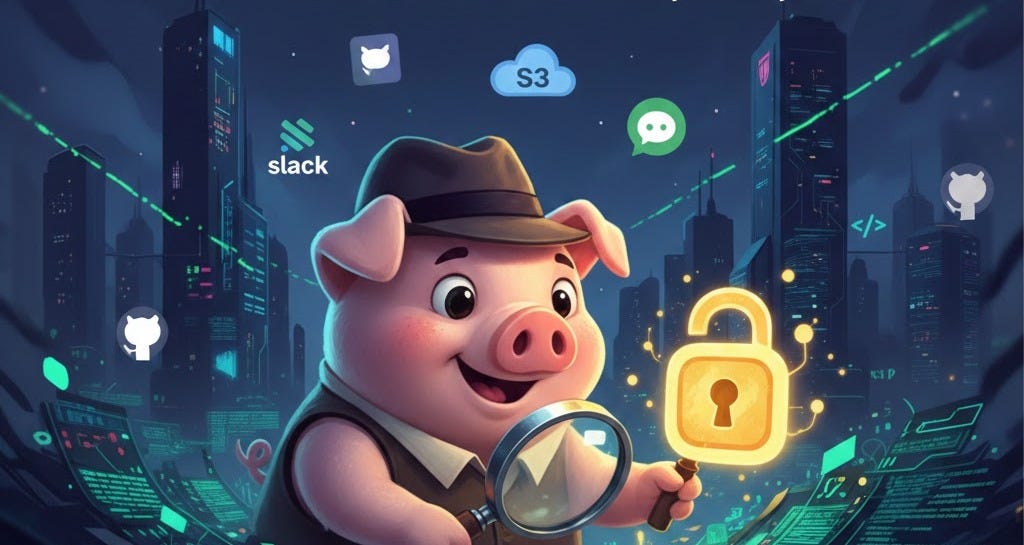
To stop this, we can use a tool called TruffleHog.
What does TruffleHog actually do?
The name comes from “truffle hogs”—special pigs that find expensive mushrooms (truffles) hidden under the ground. In the same way, this tool “digs” through your code to find hidden secrets.
TruffleHog differs from other tools because it does more than just search for text. It has four main jobs:
Discovery: It looks through your current files and your entire git history. Even if you deleted a password yesterday, TruffleHog can still find it in the history.
Classification: It recognizes over 800 types of secrets. It knows the difference between an AWS key, a Slack token, and a regular password.
Validation: This is the most important part. TruffleHog “calls” the service (like AWS) to see if the key is still active. If the key works, it marks it as Verified. This tells you that you are in real danger.
Analysis: For some keys, it can even tell you what the hacker can do with them (for example, “This key allows someone to delete your database”).
How to Use TruffleHog (Step-by-Step)
You can install TruffleHog on any computer. Here are the simple commands you need to know:
1. Checking a GitHub Project
If you want to check a public repository for active leaks:
trufflehog git https://github.com/example/repo --results=verified
2. Checking Your Local Files
Before you “push” your code to the internet, check your local folder to make sure it is clean:
trufflehog filesystem ./my-project
3. Using Docker (No Installation Needed)
If you use Docker, you can run it immediately with this command:
docker run --rm -it trufflesecurity/trufflehog:latest github --repo https://github.com/trufflesecurity/test_keys
Why Beginners Should Care
When you are learning to code, it is easy to make mistakes. You might put an API key in your code just to “test” it, and then forget to remove it.
Pro Tip: If TruffleHog finds a secret, do not just delete the code. You must “rotate” the secret. This means you go to the website (like Google or AWS) and create a brand new key and delete the old one.
Run trufflehog with GitHub Actions
Scanning for secrets manually is good, but doing it automatically is better. You can set up GitHub Actions to run TruffleHog every time you save new code. This means if you forget a password in your code, GitHub will send you an alert immediately.
Why automate?
It never forgets: the tool automatically scans every “Push” and “Pull Request.”
It stops mistakes early: You can see the error before the code is merged into your main project.
It saves time: You don’t have to remember to run the command on your computer.
Simple Setup Code
To start, create a file in your repository at .github/workflows/trufflehog.yml and paste this simple code (you can adjust this as you need):
name: Secret Scanning
on: [push, pull_request]
jobs:
trufflehog:
runs-on: ubuntu-latest
steps:
- name: Checkout code
uses: actions/checkout@v4
with:
fetch-depth: 0
- name: Scan for secrets
uses: trufflesecurity/trufflehog@main
with:
extra_args: --results=verified
What does this code do?
On: [push, pull_request]: This tells GitHub to run the scan whenever you upload code.
fetch-depth: 0: This makes sure TruffleHog can see your entire history, not just the last change.
--results=verified: This tells the tool to only alert you if it finds a “real” working secret.
If your GitHub Action fails (turns red), it means TruffleHog found a secret! Look at the logs to see which file has a leak. Fix it, rotate your key, and your code will be safe again.
Summary of Benefits
Saves Money: Stops hackers from using your paid services.
Builds Trust: Shows your boss or clients that you care about security.
Saves Time: It only shows you “Verified” secrets, so you don’t waste time looking at fake results.


